


If you want to get found on ChatGPT, your law firm needs more than a decent website and a few blog posts. You need a clean, believable online footprint that makes it easy for AI systems to understand who you are, where you practice, and why your pages deserve to show up. This tutorial walks you through the setup, fixes, and content choices that matter most.
What you’ll need before you start
Before Step 1, make sure you have access to your website, your domain settings if possible, your Google Business Profile, your Bing Places listing, and at least one analytics platform. You will also want a current list of your firm name, address, phone number, attorney names, office locations, and practice areas in one document.
Set expectations now: this is not like flipping on a paid ad campaign at 9:00 a.m. and seeing leads by lunch. Getting visible in AI systems is closer to cleaning up a paper trail. Once your signals are consistent and your content is easier to read, your firm becomes much easier to surface.
Step 1: Make sure your law firm can actually be discovered online
If search systems cannot reliably access your website, nothing else in this article matters. Start with discoverability, then move up from there.
Check that your website is indexable
- Open your main practice area pages, attorney bio pages, and location pages in a browser where you are not logged into the site.
- Confirm each page loads normally, without a password wall, popup block, or redirect loop.
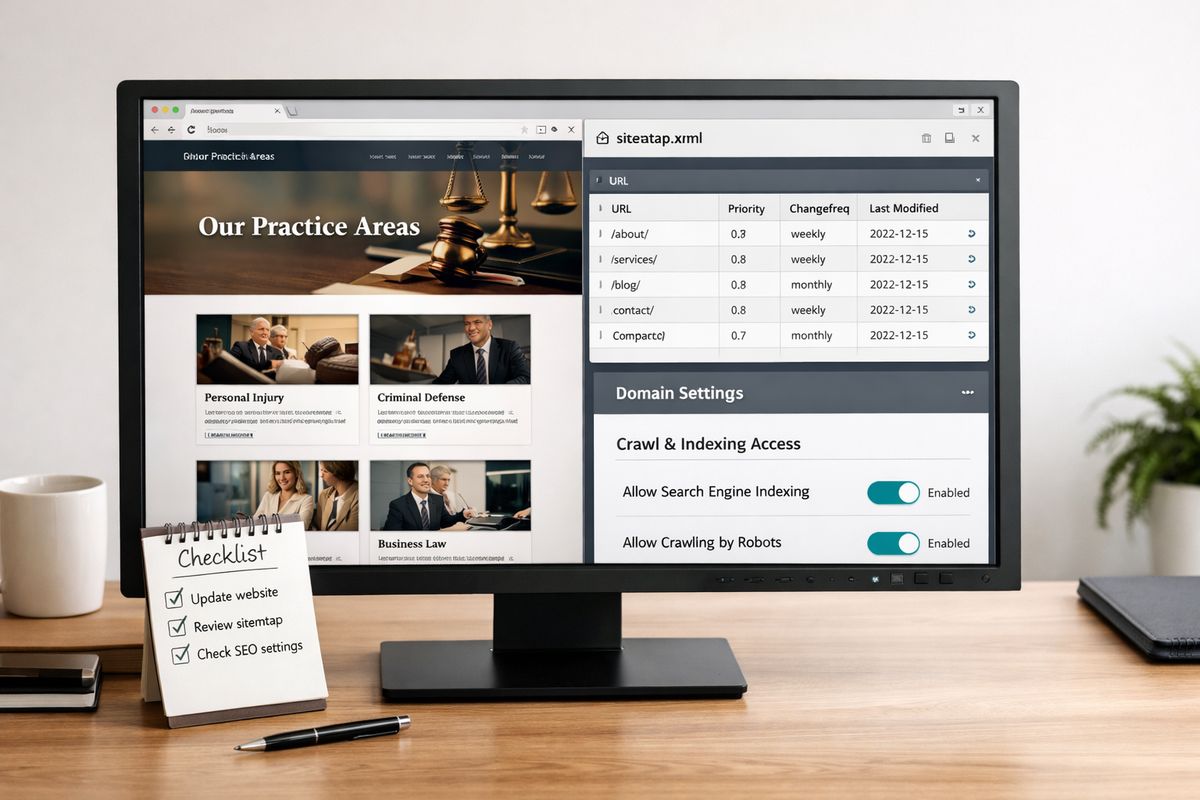
- Check for noindex tags and robots.txt rules that block crawling. If your developer uses a CMS like WordPress, inspect SEO settings page by page.
- Search Google and Bing for your firm name and a few page URLs to see whether pages are already indexed.
A good checkpoint is simple: your pages should be publicly accessible and appear in search results when searched directly. If you want a broader picture of how AI-driven discovery differs from standard search behavior, that context helps, but the foundation is still indexing.
Set up and verify Bing Webmaster Tools
- Create or log into a Bing Webmaster Tools account.
- Add your domain and verify ownership through DNS, XML file, or meta tag.
- Submit your sitemap inside Bing Webmaster Tools.
- Review any indexing, crawl, or security issues Bing reports.
Bing matters because many AI search experiences draw from web indexes that overlap with Microsoft’s ecosystem. The catch is that many law firms ignore Bing completely, which leaves an obvious gap.
Submit a clean XML sitemap
- Find your XML sitemap, usually at a URL like /sitemap.xml.
- Make sure it includes your high-value pages, not tag archives, test pages, or thin duplicates.
- Submit that sitemap in Bing Webmaster Tools and Google Search Console.
- Recheck after a few days to confirm the sitemap was fetched successfully.
Your sitemap is like handing over a clean office directory instead of asking somebody to wander the halls.
Step 2: Clean up your law firm’s business identity across the web
Once your site is crawlable, make sure your firm looks like the same business everywhere it appears.
Standardize your NAP details
- Pick one exact version of your firm name, address, and phone number.
- Update that version on your website footer, contact page, and location pages.
- Match it across Google Business Profile, Bing Places, legal directories, and local listings.
- Remove old suite numbers, tracking numbers, or alternate spellings.
Even small differences create confusion. “Ste. 400” in one place and “Suite 400” in another is not a disaster, but a different phone number or outdated address absolutely is.
Tighten up your attorney and office details
- Standardize attorney names everywhere, including middle initials if used.
- Match bar admissions, practice focus, and office assignments across bios and directory profiles.
- Make sure office hours, intake numbers, and contact forms point to the right location.
- Check that each office page clearly states the city and state served.
This supports the same trust signals that matter in strong local visibility for law firms. If your office in North Dallas looks disconnected from your main site and directory listings, your authority gets blurry fast.
Claim and update key directory profiles
- Claim or verify Google Business Profile and Bing Places.
- Update Avvo, Justia, FindLaw, and bar association listings.
- Add a short, plain-English description of your practice areas.
- Upload current photos, office information, and website links.
Key profiles do more than send referral traffic. They confirm that your firm exists beyond your own domain, which matters a lot for AI systems.
Step 3: Build pages that answer the exact questions clients ask
Generic pages rarely get surfaced well. Clear answers do.
Create dedicated practice area pages
- Give each service its own page, such as car accidents, wrongful death, DUI defense, or probate litigation.
- Write each page around the actual problem, not a vague “legal services” label.
- Add location context so the page reflects where you practice.
- Include next-step guidance so the page answers both informational and practical questions.
A focused service page usually beats a catch-all page every time. If your site still treats your services as one blur, fixing your core service pages for AI visibility is one of the highest-return moves you can make.
Add question-led FAQ sections
- Pull common questions from consultations, intake calls, and emails.
- Turn each question into a subheading.
- Answer the question directly in the first sentence.
- Add only the detail needed to make the answer useful.
For example, “What should you do after a car accident in Phoenix?” works better than “Post-accident legal considerations.”
Write in an answer-first format
- Start each section with the direct answer.
- Follow with context, exceptions, and examples.
- Keep paragraphs short enough to scan quickly.
- Cut throat-clearing intros that delay the point.
Here’s the thing: AI systems tend to pull clean answers more easily than winding explanations.
Cover local intent clearly
- Name the city, county, or region naturally on the page.
- Mention local courts, procedures, or deadlines where relevant.
- Match location details to the office that actually serves that market.
- Avoid copying the same page and swapping city names only.
Step 4: Make your content easy for AI systems to interpret
Writing more is not always the answer. Writing cleaner usually is.
Use strong page titles and headings
- Give each page a descriptive title tag and H1.
- Use H2s and H3s that reflect real questions and subtopics.
- Avoid clever headings that hide the subject.
- Keep one main topic per page.
A heading like “How Long Do You Have to File a Personal Injury Claim in Illinois?” gives far more clarity than “Know Your Rights.”
Break complex legal topics into simple sections
- Split long walls of text into short sections.
- Define legal terms in plain English once, then move on.
- Use numbered steps where process matters.
- Use bullets only when a short list is easier to scan than a paragraph.
Dense legal copy often loses the plot. If you want a stronger model for this style, study how plainspoken, question-based writing helps firms appear in AI answers.
Add clear authorship and review signals
- Add attorney bylines to pages that discuss legal guidance.
- Include credentials, admissions, and relevant experience on bio pages.
- Show a last updated date on content that changes over time.
- Link authorship naturally to attorney bio pages.
Authorship tells machines and people the same thing: an actual lawyer stands behind this page.
Step 5: Add schema markup to your key pages
Schema markup labels your content in machine-readable terms. It is not magic, but it makes your site easier to interpret.
Start with Organization and LegalService schema
- Add Organization schema to your main site.
- Add LegalService schema to practice-related pages where appropriate.
- Include your firm name, phone number, address, website, and services.
- Make sure the data matches what appears visibly on the page.
Add Attorney, FAQ, and LocalBusiness schema where relevant
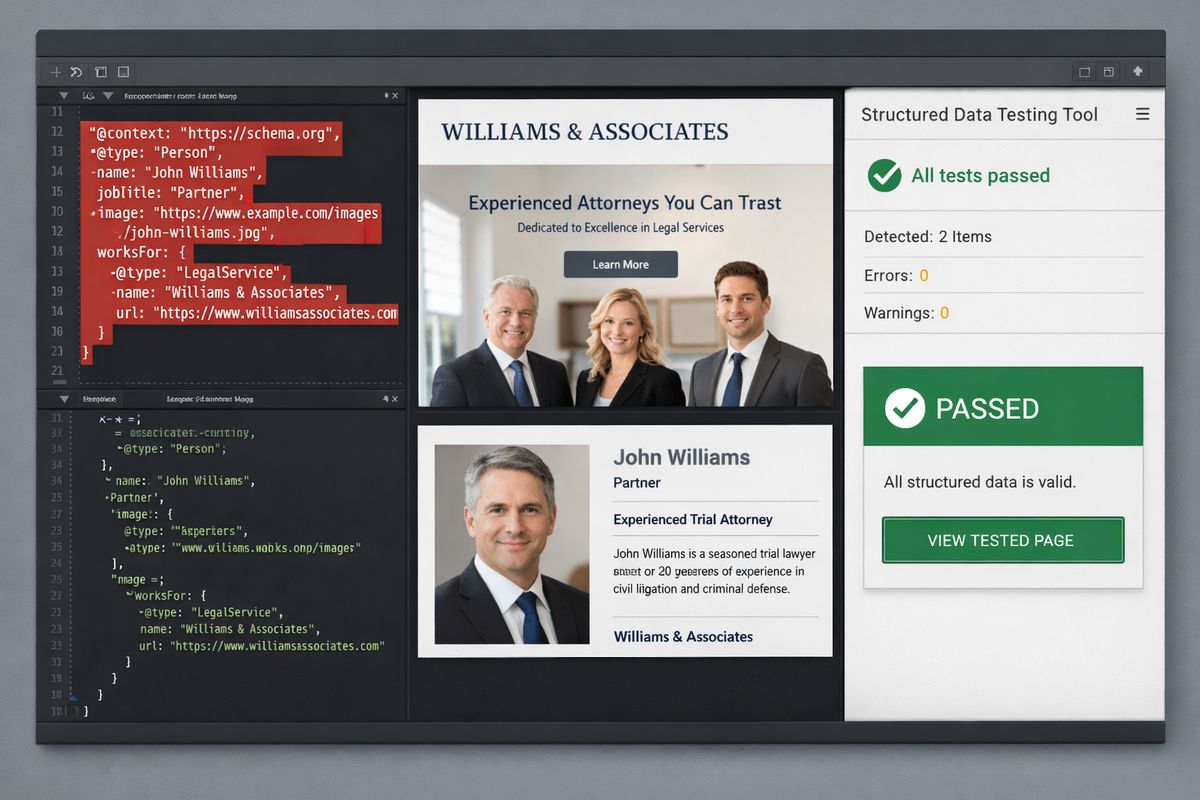
- Use Attorney schema on lawyer bio pages.
- Use FAQ schema on pages with genuine question-and-answer sections.
- Use LocalBusiness details for office-specific pages.
- Keep markup relevant to the actual page content.
Validate your markup before you move on
- Run your pages through schema validation tools.
- Fix missing fields, broken nesting, or conflicting values.
- Recheck after publishing changes.
- Spot-check key pages every few months.
Broken schema is worse than no schema because it adds noise instead of clarity.
Step 6: Earn mentions from sources ChatGPT is more likely to trust
Your website should not be the only place your firm exists online.
Focus on legal directories and bar associations
- Fill out legal directory profiles completely, not halfway.
- Add practice descriptions, attorney details, and office information.
- Keep links and contact details current.
- Update bar association profiles where public listings are available.
Authoritative legal profiles often carry more weight than random directory clutter. That same pattern shows up in how AI systems decide which legal sources to trust.
Publish useful commentary in places beyond your site
- Contribute guest articles to reputable local or legal publications.
- Offer quoted commentary when local reporters cover legal issues.
- Join podcasts, webinars, or community features tied to your practice.
- Make sure your firm name and website are attached where possible.
A mention in a respected city business journal or county legal publication can do more than ten weak directory listings.
Encourage review volume without making it awkward
- Ask satisfied clients for reviews at the right moment, after a matter closes or a milestone passes.
- Point clients to the platform that matters most for your practice.
- Respond professionally to reviews you receive.
- Keep the request simple and personal.
Reviews support discoverability because they reinforce reputation and activity. If you need a clearer picture, it helps to understand why review signals can strengthen AI-era visibility.
Step 7: Create supporting content that matches conversational search
People ask ChatGPT full questions. Your site should answer them the same way.
Turn intake questions into content topics
- Review intake notes, call summaries, and common email questions.
- Group repeated questions by topic.
- Turn high-frequency questions into pages or articles.
- Focus on questions tied to hiring intent, not just curiosity.
Build “best answer” articles around specific scenarios
- Write pages about timelines, costs, deadlines, fault, evidence, and next steps.
- Use real-world phrasing, such as “What happens if you miss a court date in Maricopa County?”
- Answer the scenario quickly, then add detail.
- Link back to the related practice area page.
Add comparison and explainer content
- Create pages that compare legal paths, charges, or claim types.
- Explain the difference in plain English.
- Include when each issue matters in practice.
- Connect the topic to your service pages and attorney bios.
This is where content designed for AI search behavior starts to pay off. Conversational prompts usually map to scenario pages, comparisons, and FAQs better than old-school keyword stuffing ever did.
Step 8: Keep your content fresh and accurate
Legal information goes stale faster than most firm websites admit.
Update pages when laws, procedures, or local rules change
- Review high-traffic pages after any legal or procedural change.
- Update deadlines, filing details, or court references right away.
- Rewrite outdated examples that no longer fit current practice.
- Republish the page when the update is meaningful.
Refresh dates, examples, and internal links
- Add current dates where helpful.
- Replace old examples with recent, realistic ones.
- Link older pages to newer related resources.
- Remove references to attorneys or offices that changed.
Retire weak or duplicate pages
- Identify thin pages with little substance.
- Merge overlapping pages when one stronger version would serve better.
- Redirect old URLs when needed.
- Remove duplicate city pages that add no unique value.
Step 9: Track whether your law firm is getting found on ChatGPT
You cannot improve what you never check.
Check referral traffic and assisted conversions
- Review analytics for referral traffic from AI tools when available.
- Watch for growth in branded search after visibility work.
- Track form fills and phone calls tied to practice pages you improved.
- Compare before-and-after performance over at least a few months.
Test your firm’s visibility with real prompts
- Search your firm name, attorneys, and practice areas using natural prompts.
- Try location-based questions and scenario-based questions.
- Note whether your pages, brand, or lawyers appear in answers.
- Repeat monthly using the same prompt set.
For a cleaner process, use a repeatable method for checking how your firm appears in ChatGPT answers.
Monitor citations, mentions, and ranking movement
- Track directory visibility and profile completeness.
- Watch branded searches in Google Search Console.
- Monitor backlink growth and local map visibility.
- Look for stronger engagement on updated pages.
Troubleshooting: Common reasons your law firm still isn’t showing up
Sometimes the issue is not effort. It is direction.
Your site is indexed, but your pages are too vague
A page called “Legal Services” with three generic paragraphs is not likely to be surfaced for nuanced questions. Replace broad claims with direct answers, defined services, and local relevance.
Your firm details don’t match across platforms
If one listing shows an old address, another uses a tracking number, and your bios list attorneys differently, your identity signals get muddy. Clean consistency wins here.
Your content is accurate but too hard to extract
A 1,200-word block of legal jargon is hard for anybody to use, including AI systems. Shorter sections, direct headings, and answer-first formatting fix this fast.
You’re relying only on your website
If your firm has almost no presence outside its own domain, trust is thinner. Directory profiles, reviews, commentary, and legal community mentions help confirm your legitimacy.
What success looks like and what to try next
Success usually looks subtle before it looks dramatic. You may notice stronger branded search, better local discovery, more visibility for attorney names, and occasional appearances in AI-assisted answers before you see a direct line item labeled “ChatGPT lead.”
Try one practical move this week: clean up one practice area page and one directory profile. Then keep going. If you want help building a stronger visibility footprint, schedule a call with Attorney Visibility ai for more information.
Frequently Asked Questions
How long does it take to get found on ChatGPT?
Usually longer than a quick SEO tweak. If your site is indexable and your firm details are consistent, improvements can start showing up over a few weeks or months, especially after content and profile updates.
Does Bing really matter for law firms here?
Yes. Bing Webmaster Tools is one of the clearest technical steps you can control, and it helps make sure your site is discoverable in systems tied to Microsoft’s search ecosystem.
Do you need schema markup on every page?
No. Start with your homepage, main practice area pages, attorney bios, FAQs, and location pages. Coverage matters, but relevance matters more.
Can ChatGPT recommend a law firm just because the website looks good?
No. Design helps trust, but visibility depends more on crawlability, consistency, useful answers, third-party mentions, and clear structure.
Should you create separate pages for each city you serve?
Only when each page has real local value. Thin pages that swap city names usually do not help and can weaken your site overall.